Introduction
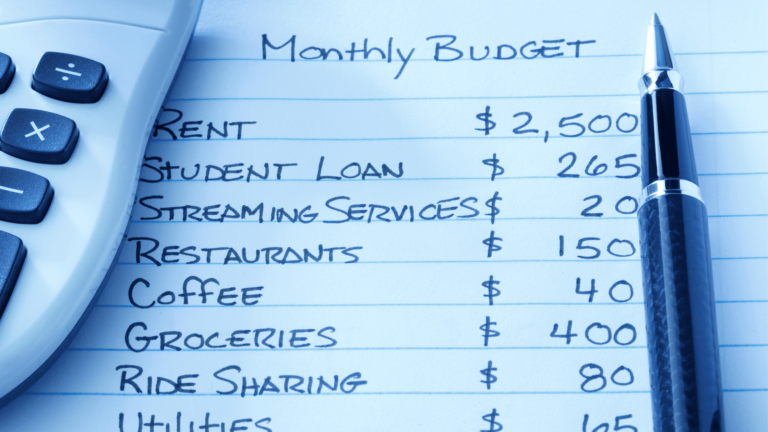
Manually noting down every expense in a notebook sounds nice in theory, but let’s be honest — most of us abandon that within a week. That’s exactly the gap the best budgeting apps fill, automating the tedious tracking part so you can actually focus on the decisions, not the data entry.
What Makes a Budgeting App Genuinely Useful
Quick Answer: A good budgeting app should automatically categorize your bank and UPI transactions, show clear spending trends, allow custom budget limits per category, and send alerts when you’re close to overspending — without requiring you to manually log every single purchase.
Top Budgeting Apps Worth Trying in 2026
- Walnut — auto-reads SMS to categorize spending, decent for basic tracking without much manual effort
- Money View — combines expense tracking with loan and credit score features, useful if you want an all-in-one view
- ET Money — good for combining budgeting with mutual fund tracking in one place
- Fold Money / INDmoney — increasingly popular for tracking both spending and investments together, appealing to a younger, tech-savvy crowd
- Google Sheets (manual template) — old school, but if you like control over categorization, a well-built spreadsheet still works surprisingly well
Auto-Tracking vs Manual Entry — Which Is Better?
I’ll be honest about my own bias here — auto-tracking apps that read SMS/transaction alerts save so much time, but they’re not always perfectly accurate with categorization. A ₹2,000 spend at a supermarket might get tagged “shopping” instead of “groceries,” throwing off your category totals slightly. Manual entry is more accurate but demands discipline most people don’t maintain long-term.
Setting Up Your First Budget in an App
- Connect your primary bank account or enable SMS reading permissions
- Review the auto-categorized transactions from the past month
- Set realistic monthly limits per category based on that historical data, not guesses
- Turn on alerts for when you hit 80% of any category’s limit
- Review weekly, not daily — daily checking tends to cause budget fatigue
Privacy Concerns With Budgeting Apps
This is worth addressing directly since people rightfully worry about this. Reputable apps use bank-grade encryption and don’t store your actual banking credentials if they use secure APIs (like Account Aggregator framework) rather than screen-scraping. Always check if the app is RBI-compliant or uses the Account Aggregator (AA) framework before granting broad account access. [link to related guide on the 50-30-20 budgeting rule here]
A Real Scenario
Picture someone who assumed they spent roughly ₹8,000 monthly on food delivery, only to discover through an app’s auto-tracking that the real figure was closer to ₹14,000 once all the smaller, forgotten orders were tallied up. That kind of visibility, honestly, is where these apps earn their keep — not in the fancy graphs, but in catching blind spots you didn’t know existed.
FAQs
Are free budgeting apps as good as paid ones? For most individual users, free versions cover the essentials well; paid tiers usually add features like advanced reports or multi-account family budgeting.
Do budgeting apps work well for cash transactions? Not automatically — cash spending typically needs manual entry since there’s no digital trail for the app to read.
Is it safe to give a budgeting app SMS reading permission? Generally safe with reputable, well-reviewed apps, but always check app permissions and reviews before granting broad access.
Can budgeting apps help me plan for irregular income? Some apps do offer features for averaging irregular income, though this works better manually if your income varies significantly month to month.
How often should I review my budget in the app? Weekly reviews strike a good balance — frequent enough to catch overspending early, without becoming an obsessive daily habit.
Conclusion
The best budgeting apps aren’t about fancy dashboards — they’re about giving you honest visibility into where your money actually goes each month, often revealing spending patterns you hadn’t consciously noticed. Pick one that fits your habits, whether that’s full auto-tracking or a manual approach, and commit to reviewing it consistently for at least a few months before judging whether it’s working.
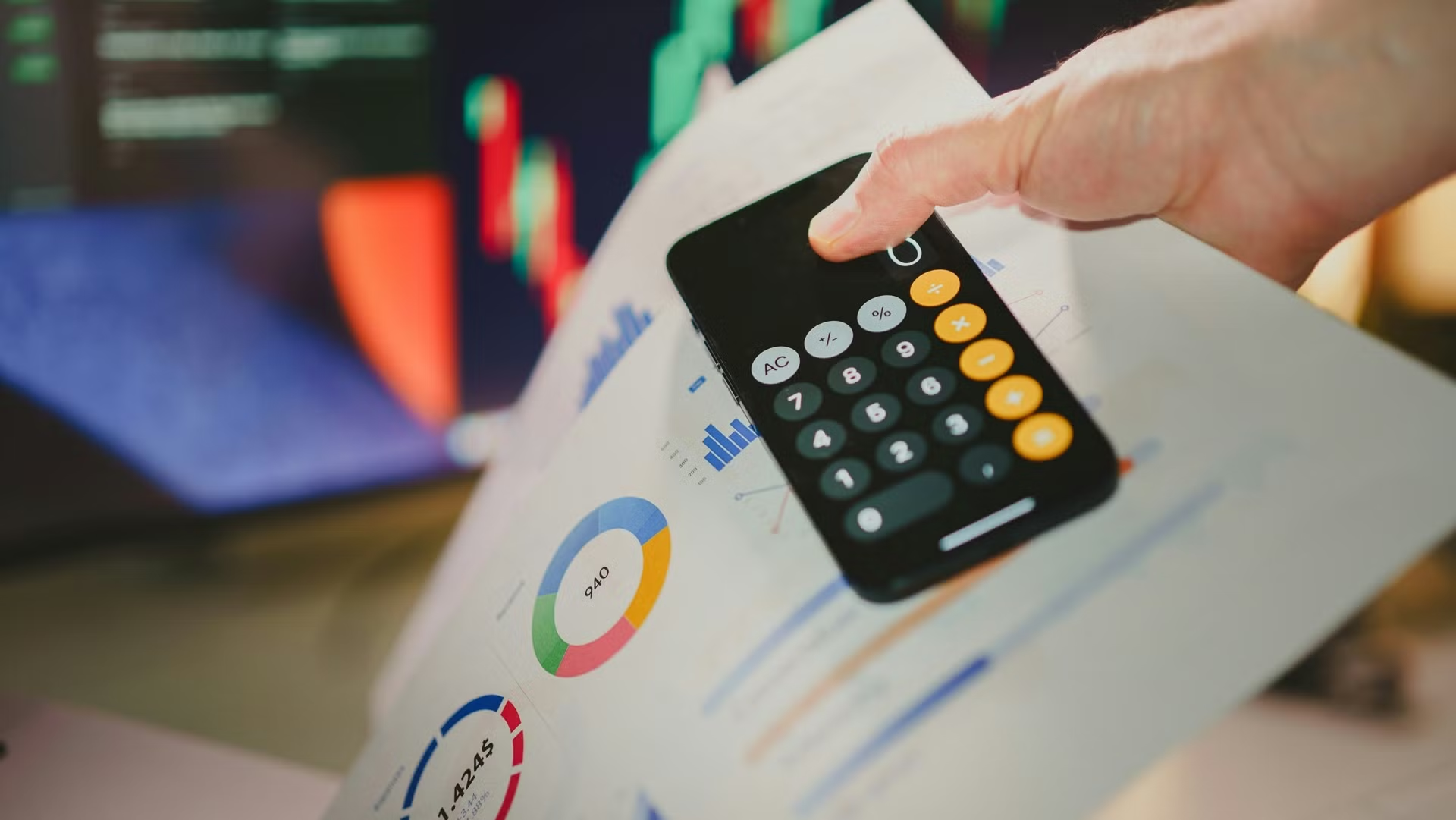
Suggested Alt Text: “Monthly expense tracking dashboard on budgeting app”